

9:16 safe-zone checker
Drop in a picture or a video. See which parts the TikTok app's buttons and captions usually cover, so your product and your text stay in the clear.
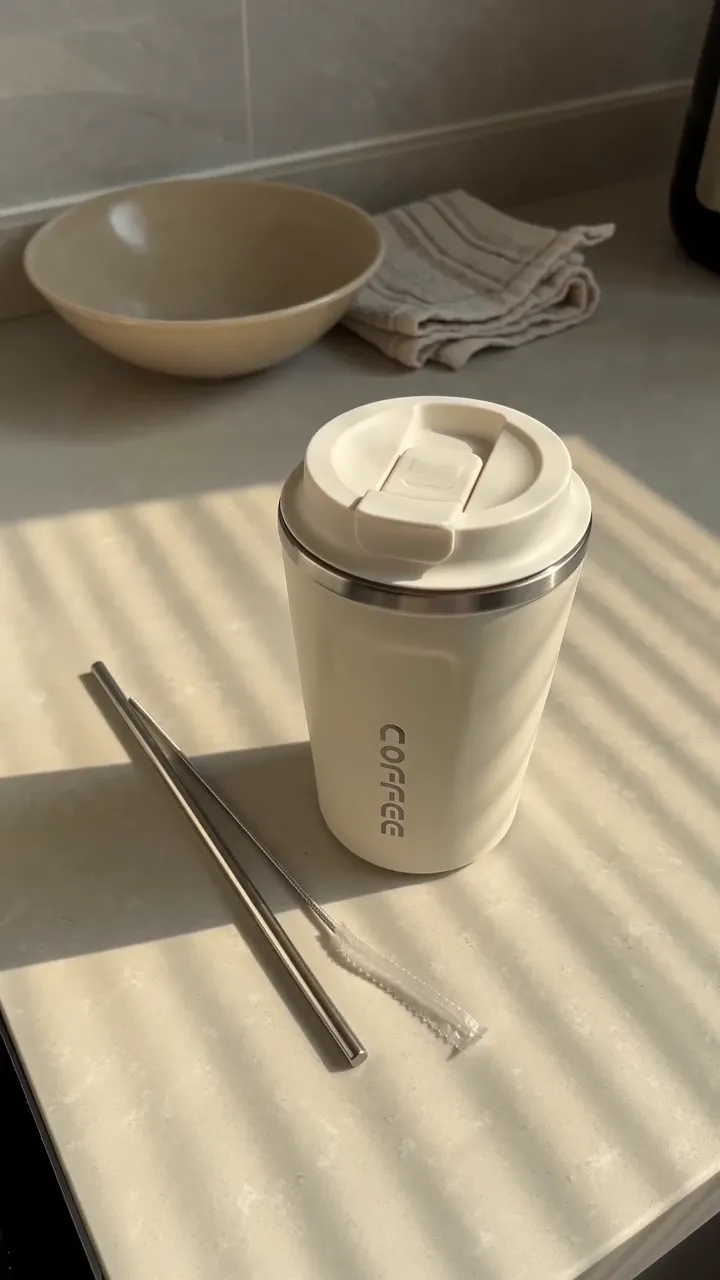
Shaded: usually covered
- Top240 px at 1080 × 1920 (12.5%)
- Bottom: caption and button660 px (34%)
- Sides120 px each (11%)
- Buttons on the right180 px wide, from 840 px down
- Clear areaKeep your product, faces and text inside the dashed line
- From the In-Feed ad template in the TikTok Ads Help Center.
Approximate. The areas shift a little by phone and by caption length.
Drop a picture or a video here
It stays on your device. Nothing is uploaded.
How it works
Your file goes in a 9:16 frame, the shape of a phone screen. We shade where the TikTok app usually draws over a video: the top bar, the buttons on the right, and the caption at the bottom. Keep your product, faces and any text in the clear part.
Ad template uses the safe zone from the TikTok Ads Help Center's In-Feed template, which leaves more room at the bottom for the ad's caption and button. Regular post uses smaller areas we measured on a phone. Your file never leaves your device: this page reads it in your browser.
Sources
- TikTok Ads Help Center, “TikTok Auction In-Feed Ads”Safe zone file “In-Feed Standard (LTR)”: on a 720 × 1280 frame, 160 px at the top, 440 at the bottom, 80 on each side and 120 for the buttons. Shown here at 1080 × 1920. Page updated June 2026 · read October 14, 2026 · ads.tiktok.com/help/article/tiktok-auction-in-feed-ads
- Regular post areasMeasured by TurboUGC on a phone; the same areas the studio's text tool keeps clear of. Approximate. As of October 14, 2026