How long videos stay
A video keeps the plan it was made on: 30 days on Free, 90 days on Creator and Pro, 365 days on Business. In its last week a card shows the days left. After that we delete the file, so download what you want to keep.


Who it’s for
Your Library holds every video and picture you make in the studio, newest first. Download them, send them to your phone, or clear out what you don't need.
Paste a TikTok Shop product link first.
Or get started: $0 today, then $60/month. Cancel anytime.
Everything from the Workflow, Create and formats lands here.
Search by title, filter by date and type.
Download it, or scan a code to save it on your phone.
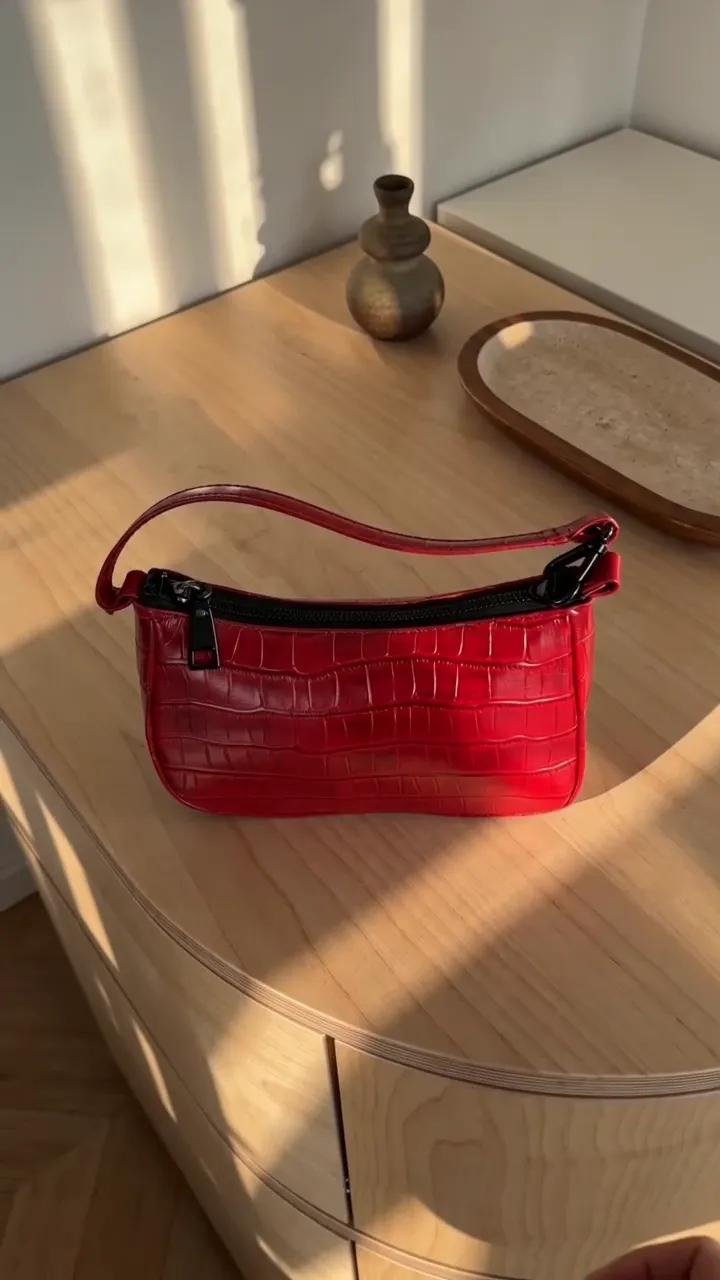
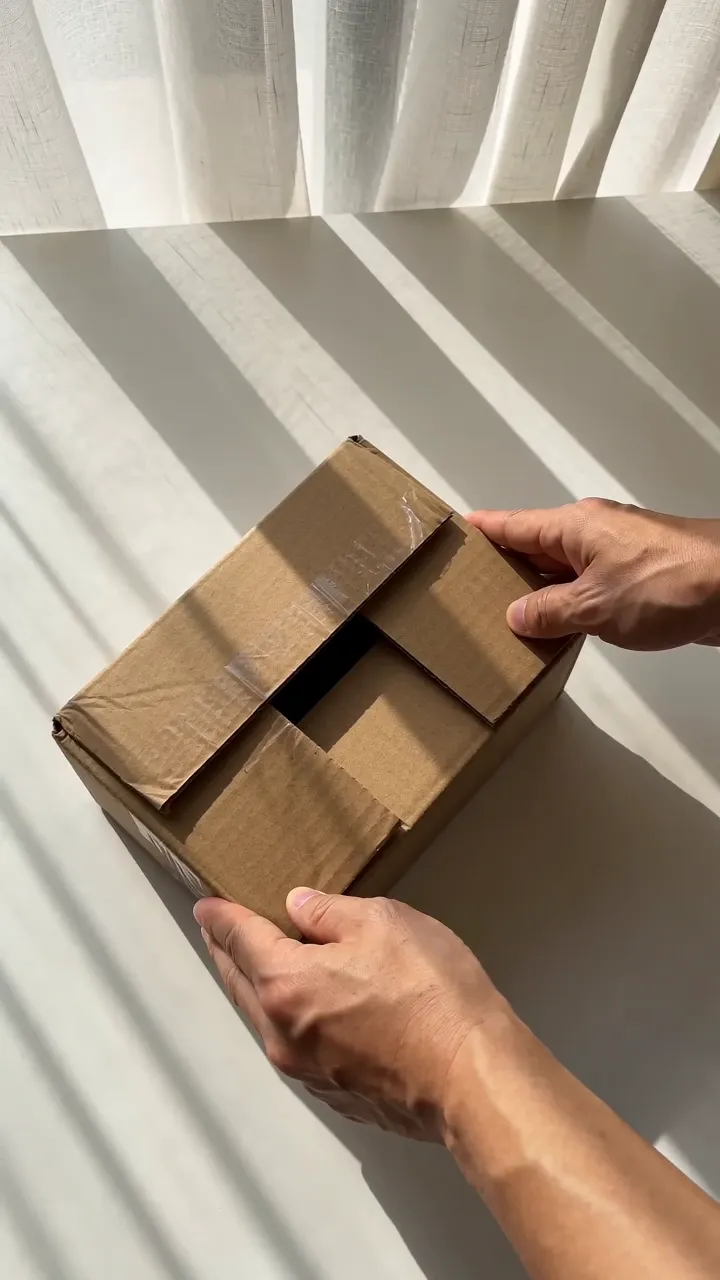
Videos still being made come first. Search by title, filter by date (Any time, Today, Last 7 days, Last 30 days) and by type: All, Videos, or AI media for what Create made. Each card tags what made it, such as Hold & Show or Product video. Switch between a grid and a list.
 0:10
0:10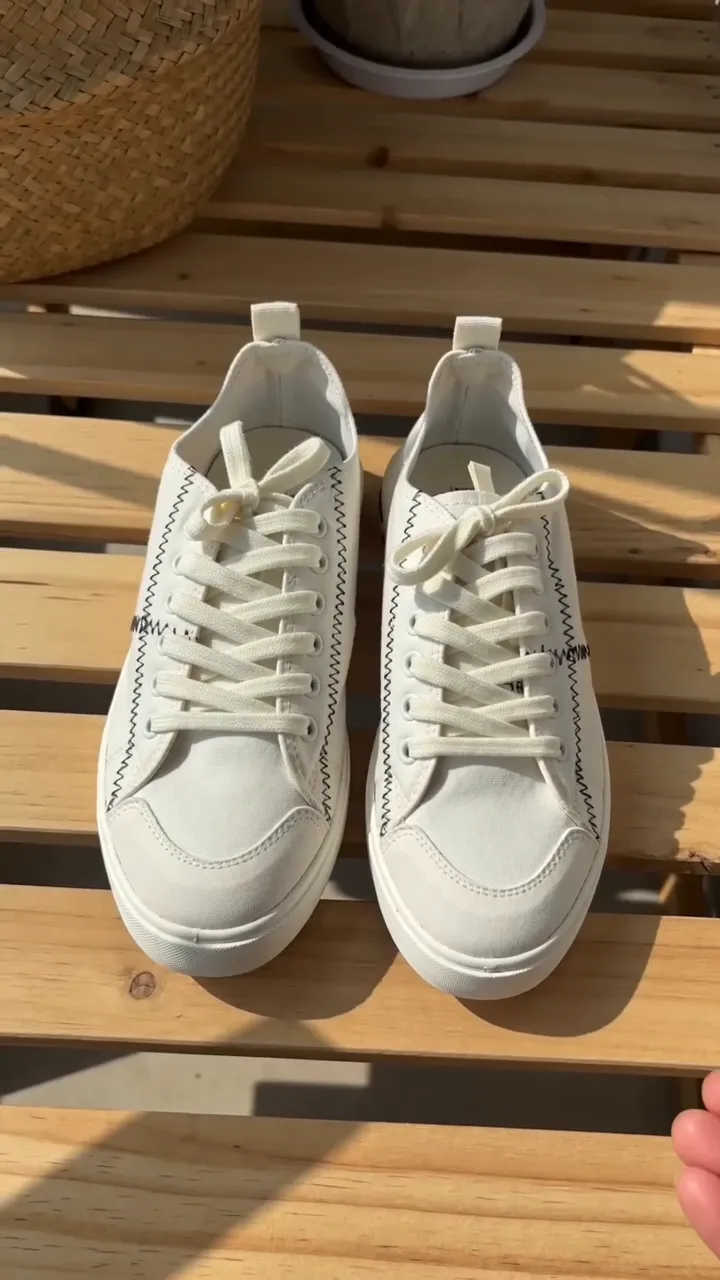 0:10
0:10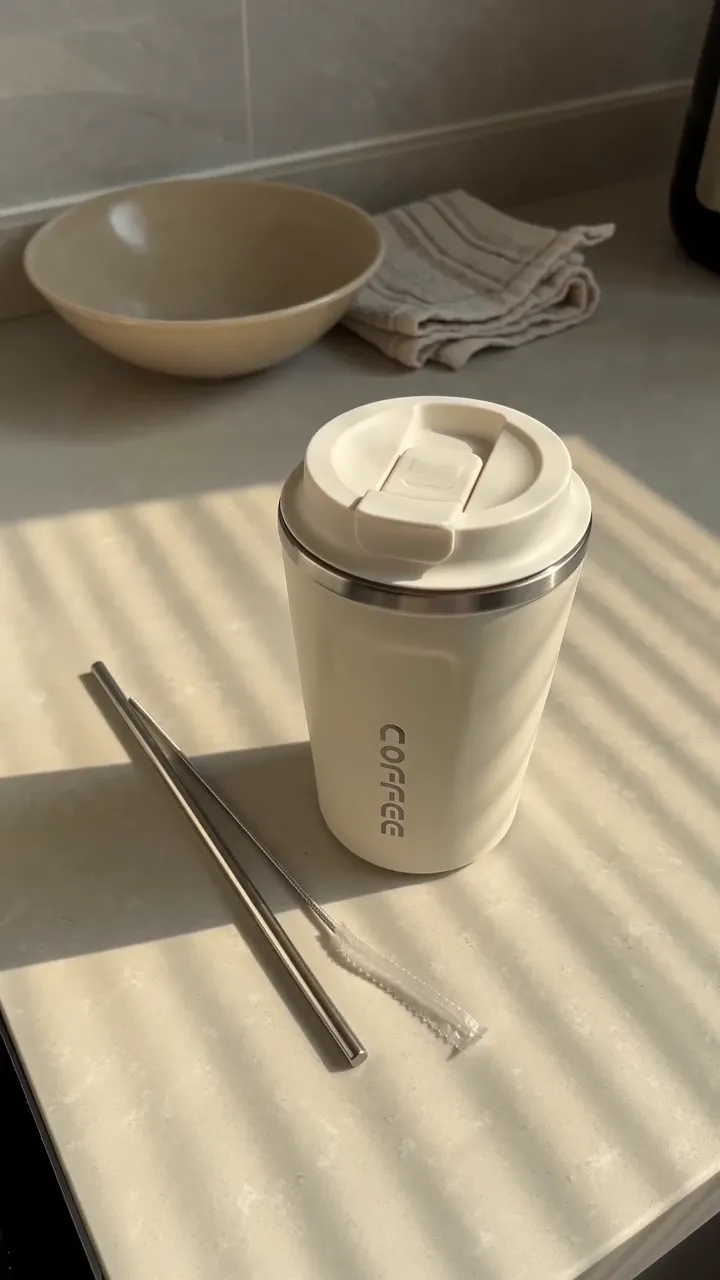 0:103 days left
 0:10
0:10 0:100:10
Every finished video has Send to phone. Scan the code with your phone's camera and press Save video. On iPhone it goes to Photos through the Share sheet; on Android and computers it downloads. The link works for 30 minutes and up to 5 downloads, and you can turn it off at any time.
Send to phone
Open the link on your phone and save the video to your camera roll.
Link readyPress Select, tap the cards you want or Select all, then Download or Delete. Delete asks once and can't be undone. Copies you downloaded stay yours.
The Library holds what you make in the studio. It takes no uploads.
A video keeps the plan it was made on: 30 days on Free, 90 days on Creator and Pro, 365 days on Business. In its last week a card shows the days left. After that we delete the file, so download what you want to keep.
Short, plain answers. If yours isn’t here, ask us.
Something else? Write to support@turbougc.com.
90 days for videos made on Creator or Pro, 365 on Business and 30 on Free. Each card shows the days left in its last week.
Nothing is deleted when you cancel. Your videos keep the dates they were given.
No. The Library holds what you make in the studio.
Press Send to phone and scan the code with your phone's camera. The page that opens saves the video to Photos on iPhone or downloads it on Android.
No. We add no logo, watermark or text to your videos.
TurboUGC doesn't post for you. Download the video, or scan a code to save it on your phone, then post it yourself from your TikTok account.