


Formats

Pick a format, add your products, get the videos

A format is a ready-made video recipe. Pick one, add up to 10 products, and the shot is planned for you from each product's photos. Four are ready today.

Or get started: $0 today, then $60/month. Cancel anytime.

Made with TurboUGC

The four formats

Pick the one that fits your product. Each card opens its page.

Three steps to a video

Step 1Pick a format

Match it to the product: hand-held, boxed, worn or furniture.

Step 2Add products

Up to 10, with 1 to 3 takes each. The price shows per step.

Step 3Get the videos

They land in your Library, with text if you switch it on.

What you get with Formats

Which one fits your product

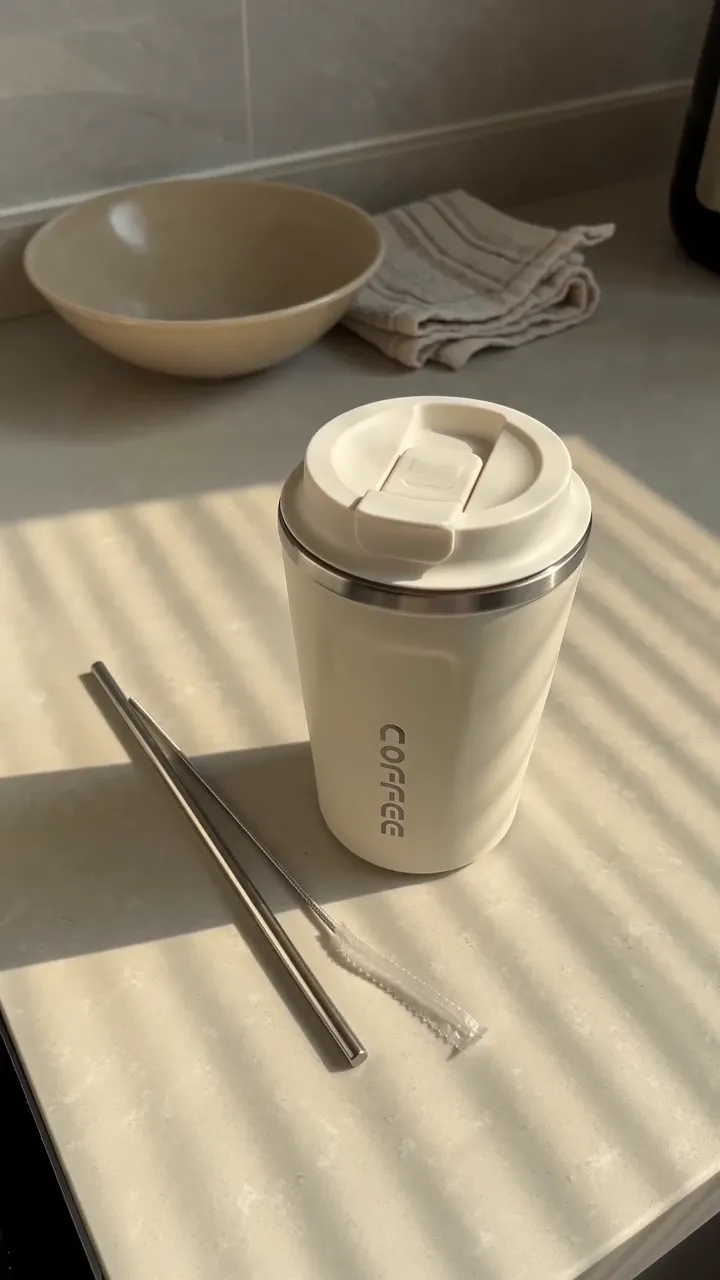
  • Something one hand can lift, like skincare, gadgets, a tumbler, shoes or a bag: Hold & Show.
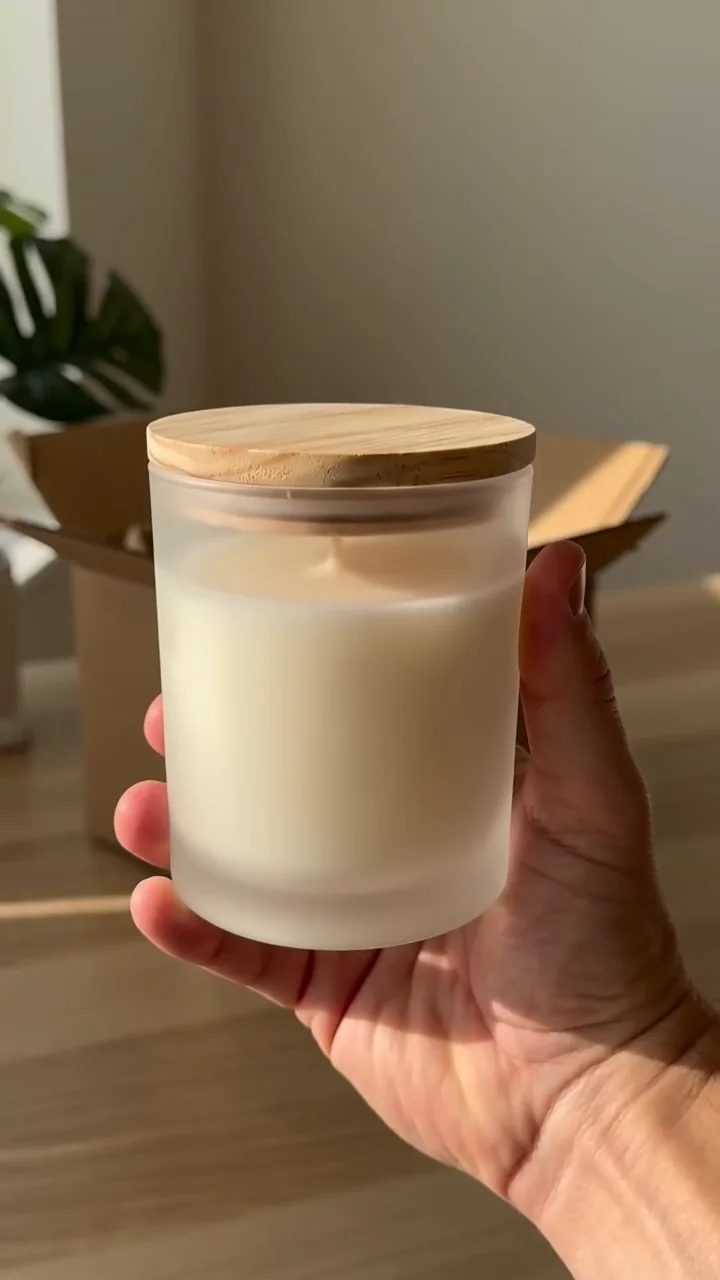
  • Something that ships in a box and you want the opening moment: Box Open.
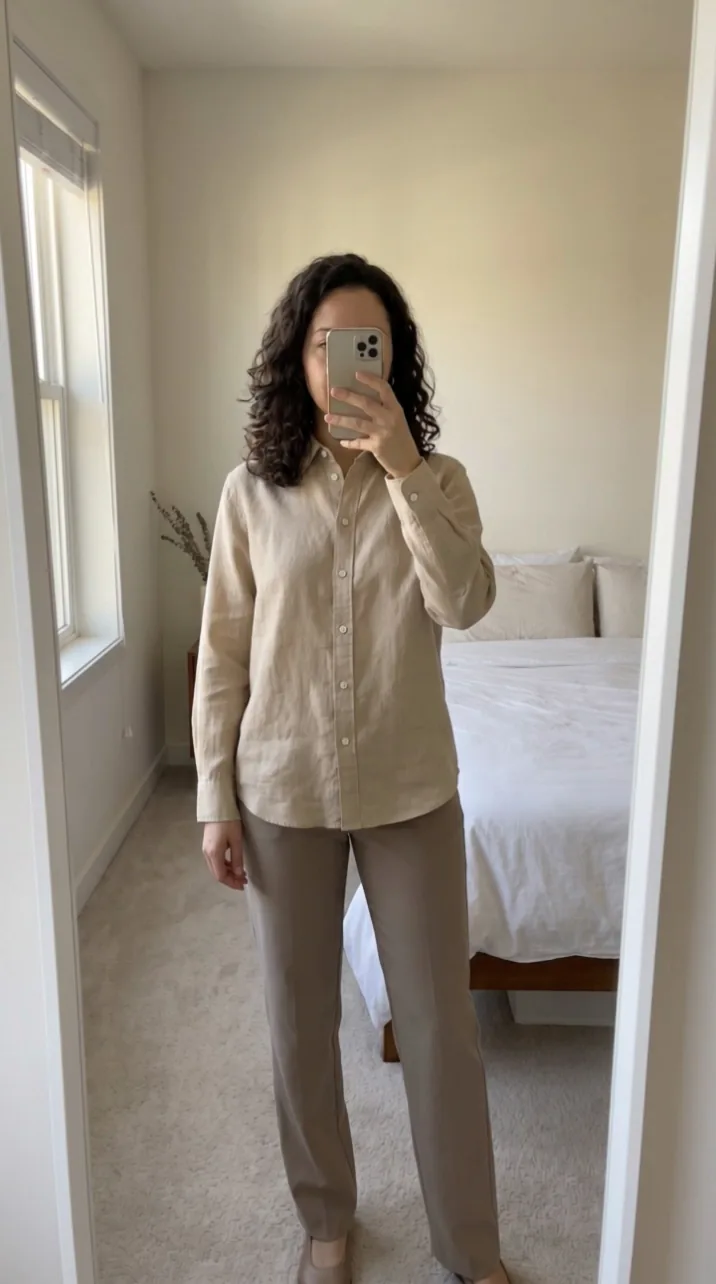
  • Clothes and outfits: Mirror Fit Check, with an avatar.
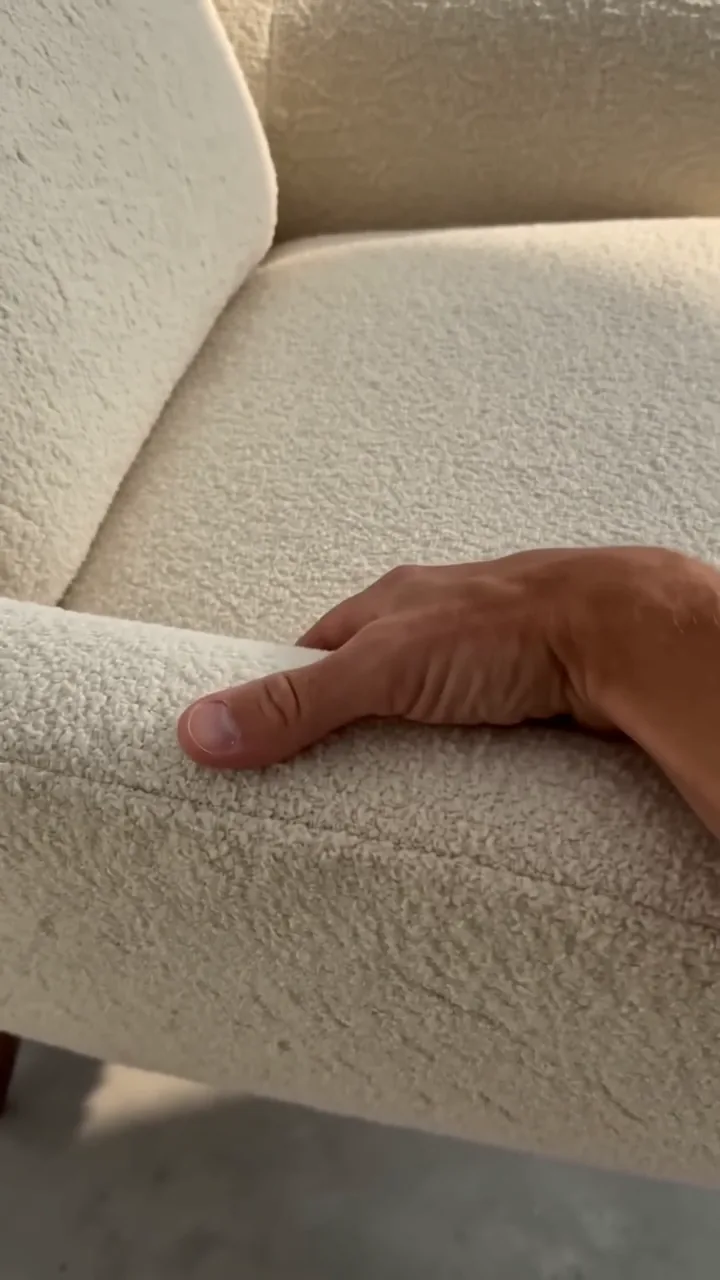
  • Sofas, beds, tables, rugs and floor lamps: Furniture Feel.

The planning step checks each product. When one doesn't suit, the steps that already ran stay charged (8 credits for the plan, plus 29 for Mirror Fit Check's start frame) and the clip's credits come back.

What every format does for you

  • Plans the shot from your photos and the listing title (8 credits).
  • Keeps your product's shape, colours and label, and shows a bundle's items together.
  • Keeps the front to the camera: the product never turns or shows its back.
  • Starts with sound on, at no extra cost.
  • Shows the price of each step before you run.
  • Offers Text overlay as a free switch.
Your photo
Same labelSame shapeFront to camera

Where to find them

In the studio, formats are called formulas. They sit in Create, under the composer. Running one needs Creator, Pro, Business or the free trial: 310 credits for 3 days, enough for two Hold & Show or Box Open videos at 480p, or one Mirror Fit Check or Furniture Feel.

Questions and answers

Short, plain answers. If yours isn’t here, ask us.

Something else? Write to support@turbougc.com.

A format plans the whole shot for you and runs on up to 10 products at once. In the Workflow you pick the model and describe the motion yourself, one product at a time.

Not today. For a shot of your own, describe it in Create or the Workflow.

The planning step stops it and says why. The steps that already ran stay charged (8 credits for the plan, plus 29 for Mirror Fit Check's start frame) and the clip's credits come back.

Up to 20: up to 10 products with 1 to 3 takes each. Each take is charged.

No. Hold & Show uses an AI voice, and Box Open and Furniture Feel use a voice the video model makes. Mirror Fit Check has no speech.

No. The spoken lines name the product and what you can see. They never say I or we and never mention prices, deals, results or health claims.

Related