

Key takeaways
- TikTok Shop prohibits AI that changes a product's size, color, shape, features or bundle contents, or turns it into a fake rotating visual.
- TurboUGC works from your photos as references, never turns or uses the product, shows the whole bundle, and shows your photo beside each AI scene so you can check it before the video runs.
- You still check shape, color, label, item count and behavior on every take, and skip any take that gets one wrong.
What TikTok Shop says
TikTok Shop's US policy on AI-generated content (updated 2 September 2026) says product promotion videos "must clearly and accurately display the physical product", and that "AI must not be used to replace or fabricate product displays in a way that misleads users about the actual product."
It spells out what counts. Don't use AI to:
- change the size, color, material or shape of a product;
- show features or performance the product doesn't have;
- change the quantity or the contents of a bundle;
- make an item look larger or thicker, or add accessories it doesn't come with;
- turn a flat product into a fake 3D or rotating visual;
- animate a static product in unrealistic ways;
- add glowing, lighting or special effects the real product doesn't have.
TikTok Shop calls the result "product not as described". Its content policy (updated 9 October 2026) adds that AI-generated content must match the actual product, the product page and any reliable evidence about it. Breaking these rules can lead to removed videos, restricted visibility, account restrictions and, for repeated or severe cases, losing the ability to withdraw commissions.
Why AI changes products
A video model has only your photos. Anything it can't see, it invents. Ask it to spin a bottle and it has to make up a back. Ask it to show a product working and it has to make up what working looks like. Give it a photo of three colors and it may blend them. The model fills gaps with guesses. You can stop most of it by giving the model less to invent.
How TurboUGC keeps the product the same
Your photos stay the reference. In Hold & Show and Box Open, every photo you tick goes to the video model as a reference, the starred one first, so the model works from the product itself.
The shot is planned from your photos. In Hold & Show, before the clip, an AI model reads your starred photo, one more photo and the listing title. It reads the words printed on the product so the video keeps them, and it leaves out what isn't the product: banners, promo text, plus signs, other colorways, people and lifestyle backgrounds.
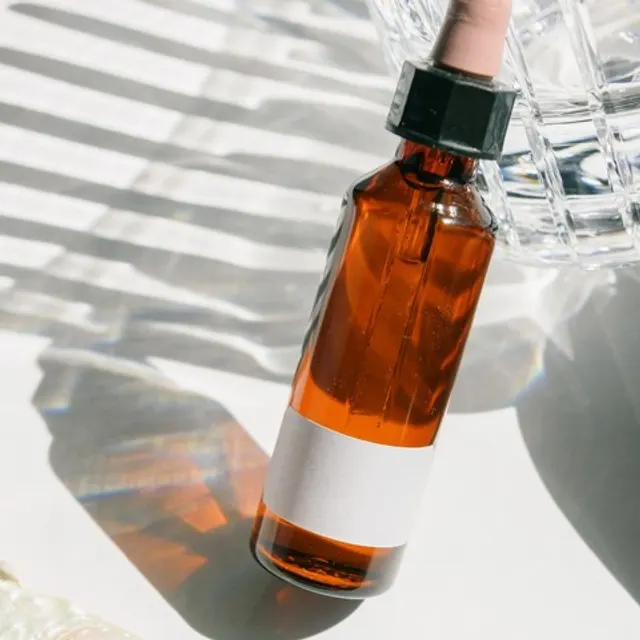
The product never turns. In Hold & Show, a hand holds the product up to the camera with its front facing you the whole time, and the light moves across the label through tilts of a few degrees. We built it that way after early test videos spun products around: the model had no picture of the back, so it made one up.
The product is never used. Hold & Show and Box Open never open, apply, spray, pump or squeeze the product. It stays closed. A model that shows a product working is inventing what it does.
Bundles show what the listing sells. When the listing sells a set, the video shows every item: side by side and front-facing in Hold & Show, together as pictured in Box Open. When it sells one item, the video shows one.
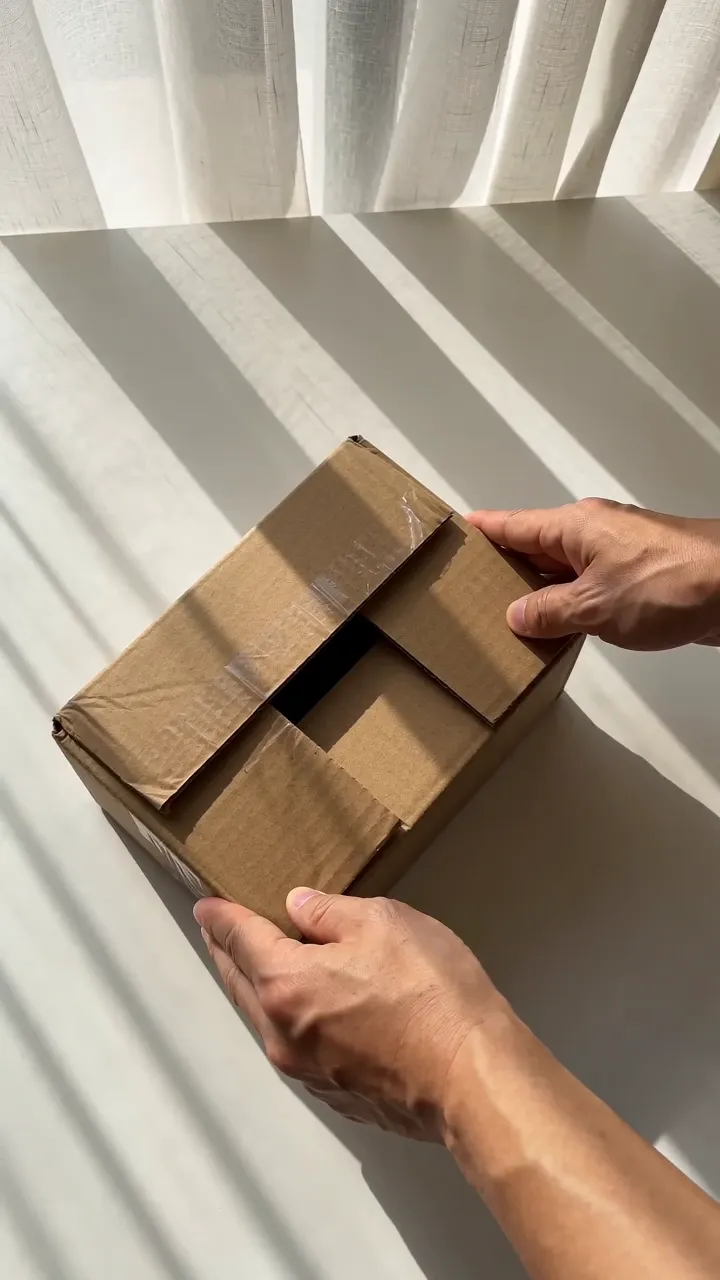
The box is a plain box. Box Open uses an unbranded brown shipping box, never a retail box that might not match what the buyer receives.
AI scenes get your check. In the Workflow you can start from your own photo or ask Nano Banana, Google's image model, for a scene. Every scene prompt asks for this single product with the photo's exact shape, colors, label and proportions at real-world size. Before any video runs, the Workflow shows the new frame beside your original photo, and you confirm the product looks right.
What you still check
None of this makes a model perfect. Our AI content policy tells you to check every output before you use it, because AI can get a product, a label or a claim wrong. On every take, compare:
- shape and proportions;
- color and finish;
- the label, the logo and every printed word;
- the number of items;
- anything the product seems to do.
If any of it is wrong, don't post that take. Make another, or change the photos. If a video shows your product wrong and you think the photos were right, tell us at support@turbougc.com.
Why it's worth the care
An accurate video does two jobs. It keeps you inside TikTok Shop's rules, and it shows buyers what they'll actually receive. That second job pays: under TikTok Shop's commission formula, a partial refund lowers what you earn on that sale, and a full refund wipes it out.
Creator free for 3 days. $0 today, 310 credits.
Get startedSources
- TikTok Shop Academy, “AI-Generated Content Restrictions and Requirements” · read October 14, 2026
- TikTok Shop Academy, “Content Policy” · read October 14, 2026
- TikTok Shop Academy, “How Standard Affiliate Commission Works” · read October 14, 2026