

Key takeaways
- Check your own eligibility first: US affiliates need to be 18 or older with at least 1,000 followers, and some categories ask for a PPS of 3.5 and a Creator Health Rating of 150.
- Read the Product Score before the commission: half of your PPS comes from the products you promote, weighted by the orders your content brings in.
- Pick products you can show clearly and describe without health claims, with listing photos good enough to build a video from.
Check that you can promote it
TikTok Shop's Creator Eligibility Policy for the US (updated 25 September 2026) sets the floor for affiliate creators. You need to be at least 18, based in the US, with at least 1,000 followers. You also pass an identity check before you can withdraw commissions.
With fewer than 5,000 followers, you start in the Affiliate Creator Pilot Program for at least 30 days. During it you can post up to 3 shoppable product videos a day and 3 shoppable LIVEs a week, you can't join campaigns, and you only see products from shops with a high Shop Performance Score. Plan your first picks inside those limits.
Some categories have their own gate. The Affiliate Creator Product Selection Policy (updated 30 September 2026) lists categories such as collectibles, large home appliances, smart and wearable devices and refurbished electronics. To promote those you need a Promotion Performance Score (PPS) of 3.5 or higher and a Creator Health Rating of 150 or higher. Beauty supplements, fitness and herbal supplements, vitamins, essential oils and sleep products ask for a recent sales record or a steady record of good content instead. A few categories are invite-only. If you don't qualify, TikTok's app refuses the product and tells you why. There is no grace period.
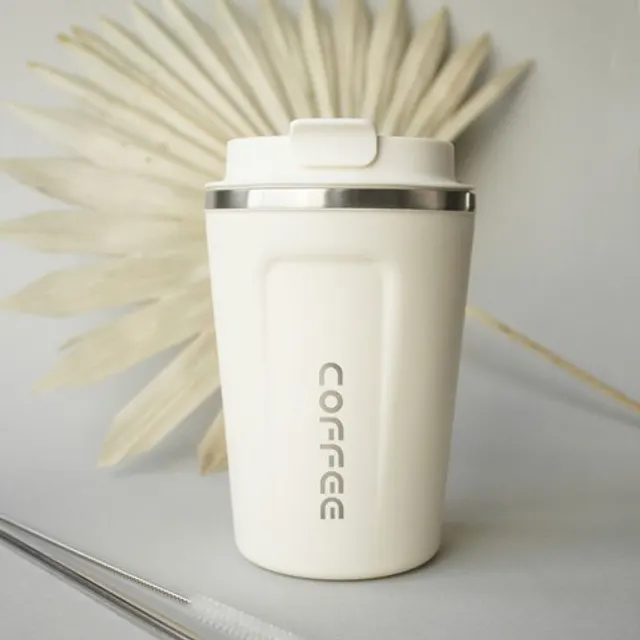 Stainless tumbler+184%
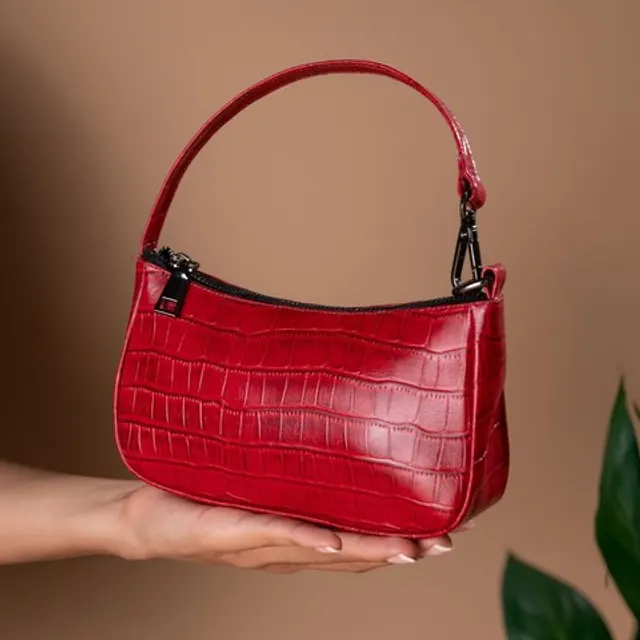 Mini shoulder bag+96%
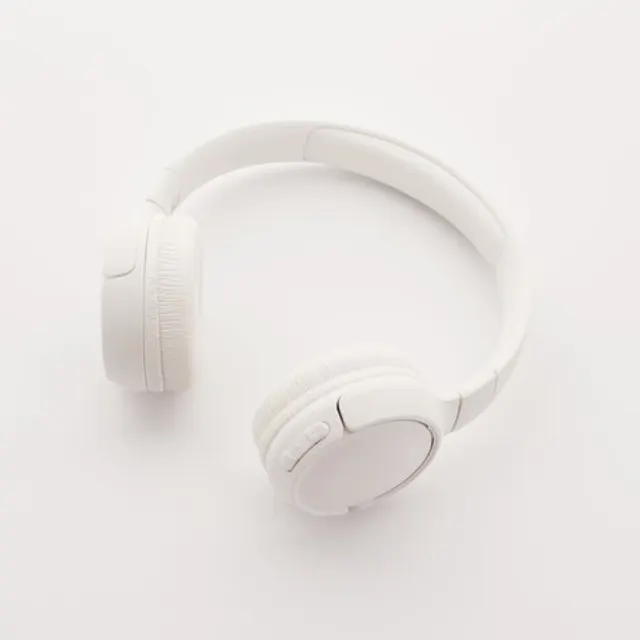 Over-ear headphones+72%
Read the Product Score before the commission
Your PPS runs from 0 to 5 and is half content, half product choice. Every product has a Product Score from 0 to 5, built from real customer reviews. TikTok Shop weighs each product you promote by the orders your content brings in, and it freezes the product's score at the moment you post. Reviews that arrive after you post don't count against you. You and the seller can see the Product Score; shoppers can't.
TikTok Shop's own advice fits in three lines: start with the in-app suggestions, promote fewer low-score products, and double down on high-score products that sell to your audience. A PPS of 3.5 or higher unlocks campaigns, sample coupons and a wider range of affiliate products, so a generous commission on a poorly reviewed product can cost you more than it pays.
PPS applies once you have, in the last 30 days, 5 or more delivered orders, 6 or more videos, or 3 or more LIVEs.
Then look at the commission and the samples
The seller sets the rate. When you add a product to your showcase, TikTok Shop protects your rate from cuts for 30 days, and a raise reaches you at once. Our guide to commissions covers the formula and when you get paid.
Samples let you hold the product before you promote it. Free sample campaigns show up as banners in TikTok Shop Creator Center. You can request one of a given item from a seller, once. Taking a sample means you agree to post a short video or LIVE about it before the campaign's deadline.
Use the shelves TikTok Shop already gives you
Product Marketplace in Creator Center lets you search by product name, brand or category, then sort and filter by price, commission rate and category. Four of its sections earn a regular look:
- Curated Choices: products gaining traction that haven't gone viral yet.
- Exposure Plus: products with strong sales potential and fewer videos about them so far.
- Product Rankings: popular products, updated daily.
- Samples: products with free or refundable samples.
You can also add a product from its TikTok Shop URL, or from another creator's shoppable video through Promote this product on its product page.
Ask what the video will need
A product can score well and still be hard to film. Before you commit, ask yourself:
- Can I show the real product clearly? TikTok Shop's content policy treats a video that doesn't fully show the product, or shows one that doesn't match the product page, as irrelevant promotion.
- Can I say true things about it without health claims? TikTok Shop prohibits medical, wellness and high-risk weight claims, so a product whose only pitch is what it does to your body is hard to promote within the rules.
- Do the listing photos show it well? If you plan to make AI videos, those photos are your raw material.
- Which format fits? Things you can hold in one hand suit Hold & Show or Box Open. Clothing suits Mirror Fit Check. Furniture suits Furniture Feel.
Where TurboUGC fits
Research in TurboUGC lists TikTok Shop products with their ad spend, revenue and growth, the videos that sell each one and the creators behind them, updated daily. Two quick filters, "Top growing" and "Rising, few creators", narrow the list, and you can sort by revenue, growth or ad spend. The Free plan shows the first 10 results of any search. Creator, Pro and Business show all of it.
When a product looks right, add it straight from Research, or paste its TikTok Shop link in Workflow → Add a product, and its listing photos come with it. Research shows you what is moving. TikTok Shop's scores show you whether promoting it suits your account. Check both before you spend credits on a video.
Creator free for 3 days. $0 today, 310 credits.
Get startedSources
- TikTok Shop Academy, “Creator Eligibility Policy” · read October 14, 2026
- TikTok Shop Academy, “Affiliate Creator Product Selection Policy” · read October 14, 2026
- TikTok Shop Academy, “Guide to Promotion Performance Score” · read October 14, 2026
- TikTok Shop Academy, “How Standard Affiliate Commission Works” · read October 14, 2026
- TikTok Shop Academy, “How to Find Products in Product Marketplace” · read October 14, 2026
- TikTok Shop Academy, “Free Sample Campaign” · read October 14, 2026
- TikTok Shop Academy, “Content Policy” · read October 14, 2026
- TikTok Shop Academy, “Requirements for Responsible Health-Related Content” · read October 14, 2026