

Key takeaways
- Star a sharp, front-on photo of the exact variant you sell, with the whole product in frame on a plain background.
- Leave out photos with faces, other colorways, ad graphics and busy lifestyle scenes; Seedance refuses real faces in reference photos.
- For bundles, tick a photo that shows every item; if the listing photos are weak, upload a few plain photos of your own.
How TurboUGC uses your photos
When you paste a TikTok Shop link in Workflow → Add a product, TurboUGC brings in the listing's title, price and up to 12 listing photos, usually within about a minute. You can also upload 1 to 12 photos of your own, for a product that isn't on TikTok Shop or when you have better pictures.
You tick the photos the model may use and star the one that leads. In the Workflow, photos start unticked, and the first one you tick becomes the star unless you star another.
In Hold & Show and Box Open, every ticked photo goes to the video model as a reference, the starred one first, up to 9. Before that, in Hold & Show, an AI model reads the starred photo, one more photo and the listing title, and plans the shot. It reads the words printed on the product so the video can keep them, and it decides what to leave out of the reference: duplicates, banners, promo text, plus signs, people, other colorways and lifestyle backgrounds.
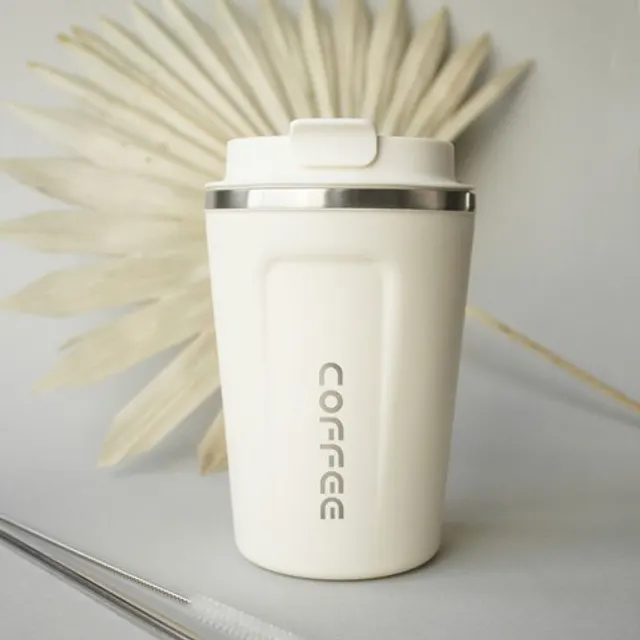
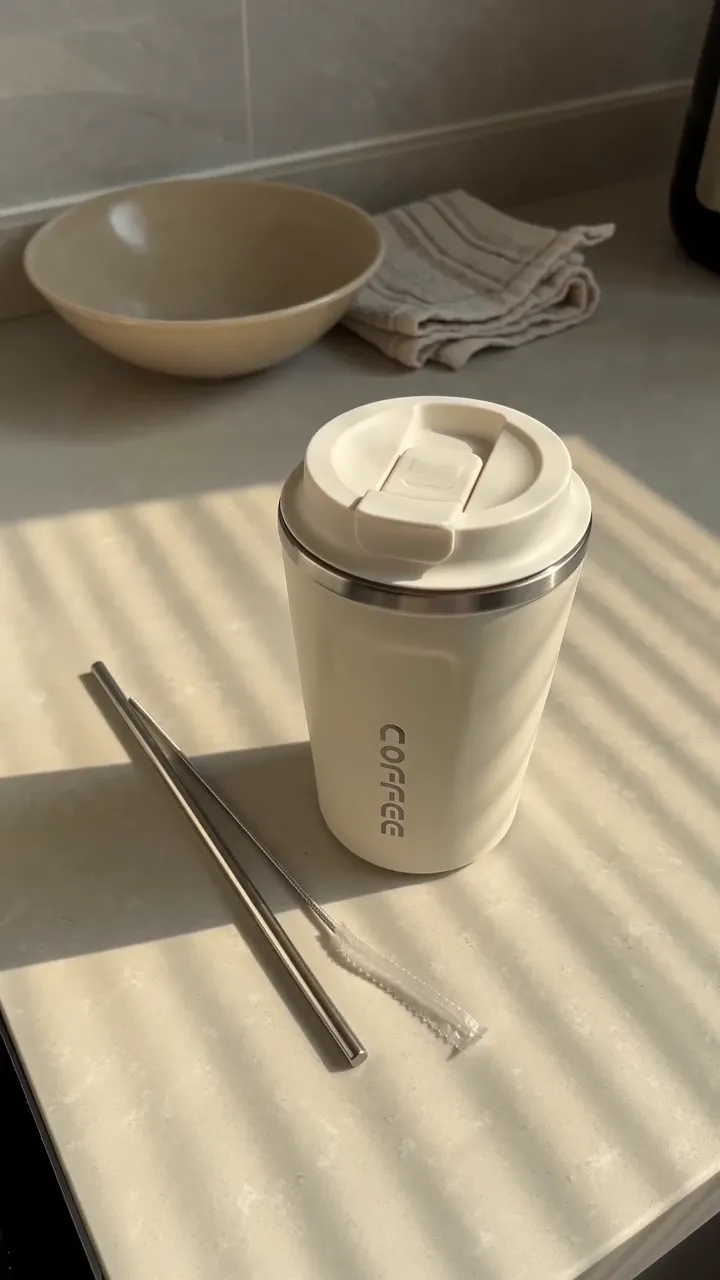
Star the photo that shows the product best
Your star should be the clearest picture of the product as a buyer receives it.
- The front, straight on. The label or the main design faces the camera.
- The whole product in frame. No cropped caps or cut-off handles.
- Sharp and evenly lit. Readable text on the label is the best sign the photo is sharp enough.
- A plain background. White, grey or a simple surface. The planning step leaves lifestyle backgrounds out of the reference anyway, so a plain one loses nothing.
- The exact variant. Same color, same size, same finish as the listing you link.
Tick a few supporting photos
One or two more photos of the same product help the model with shape and detail. Good choices:
- a slight three-quarter angle of the front;
- a close-up of the label or a printed detail;
- the product next to its cap, lid or included accessory, if the listing includes them.
You don't need a photo of the back for Hold & Show. The product never turns, so the back never shows.
Leave these unticked
- Photos with a person's face. Seedance 2.0, the video model behind Hold & Show and Box Open, refuses real faces in reference photos. The clip stops and its credits come back, but you lose the time.
- Other colorways or sizes. If the listing shows five colors and you're promoting one, tick only that one.
- Ad graphics. The planning step tries to leave text, badges and arrows out, but a photo that is mostly graphics leaves little product to work from.
- Lifestyle scenes. A product in a busy room gives the model a lot to get wrong.
- Bundles you aren't selling. If the photo shows extras that don't come with the listing, leave it out.
Photos that show no clear product make the planning step fail. When that happens, your credits come back, and better photos fix it.
Bundles and sets
If the listing sells several items together, tick a photo that shows all of them. TurboUGC's formats treat a bundle as the product and show every item the listing sells together: Hold & Show lines them up side by side and front-facing, and the other formats show the set as pictured. A photo with every piece in it gives the model the full set to work from.
When to make your own photos
Listing photos are made for a product page, and many are adverts: collages, text, white cut-outs. If yours are weak, take two or three clear photos of the real product on a plain surface by a window and upload them to the product.
Use only photos you have the right to use. TurboUGC's Acceptable Use Policy asks you to upload only photos you own or have permission to use, and to promote only products you're allowed to promote.
Why accuracy matters on TikTok Shop
TikTok Shop's content policy (updated 9 October 2026) says AI-generated content must match the actual product, the product page and any reliable evidence about it: size, color, material, quantity, included accessories and more. Its AI policy calls a product shown wrong "product not as described". Good photos are your first defense; checking every take against the listing is your second.
A one-minute photo check
- Is the star a sharp, front-on photo of the exact variant?
- Did I untick faces, other colors and ad graphics?
- Does at least one ticked photo show every item in the listing?
- Can I read the label in the star?
Creator free for 3 days. $0 today, 310 credits.
Get startedSources
- TikTok Shop Academy, “AI-Generated Content Restrictions and Requirements” · read October 14, 2026
- TikTok Shop Academy, “Content Policy” · read October 14, 2026