

Key takeaways
- Hand-held home and kitchen products suit Hold & Show or Box Open; furniture, rugs and floor lamps suit Furniture Feel (185 credits at 480p, 404 at 720p).
- TikTok Shop treats AI demonstrations of instant cleaning, repair, lighting or cutting as misleading, so film real demos yourself.
- Check scale, color and finish on every take, and keep on-screen text to facts the listing supports.
Match the format to the size
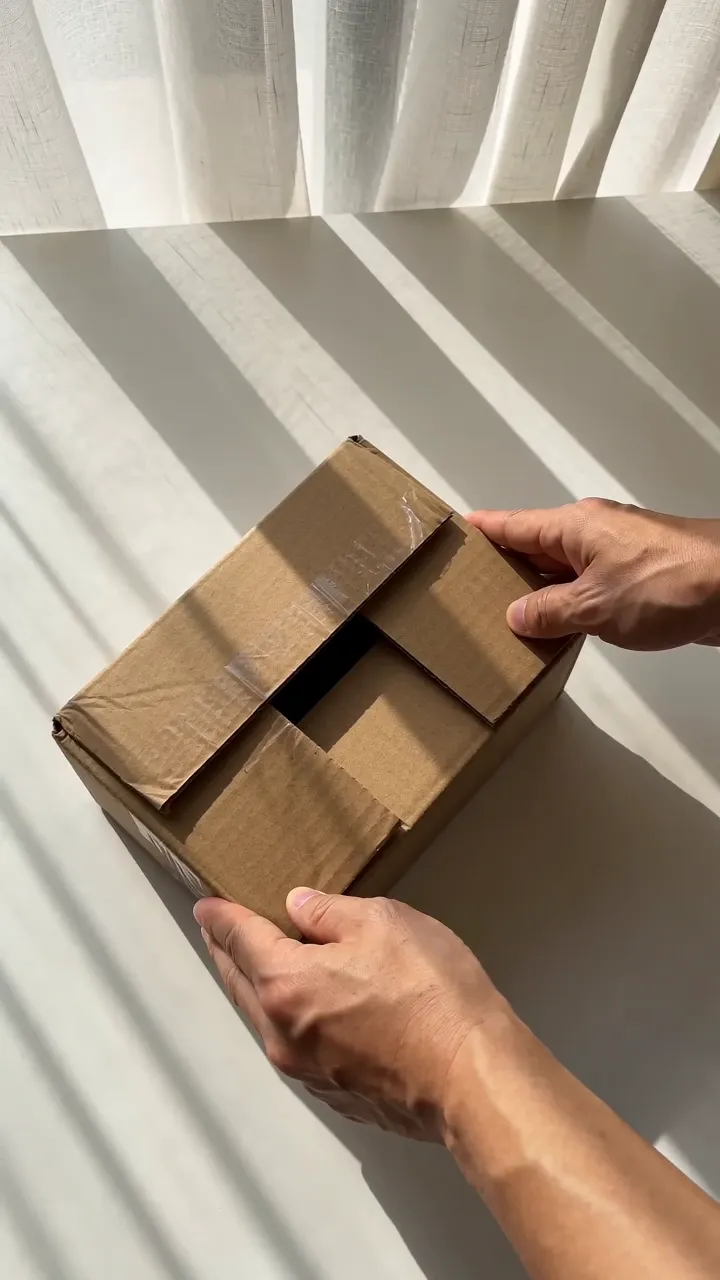
Things you hold. Kitchen tools, tumblers, food storage, small gadgets, candles, organizers and bath accessories fit TurboUGC's hand-held formats. Hold & Show keeps the front of the product toward the camera for 10 seconds. Box Open reveals it from a plain shipping box. Both cost 155 credits at 480p or 338 at 720p.
Things that fill a room. Furniture, rugs, floor lamps, standing mirrors and large textiles suit Furniture Feel. It's one continuous 12-second, first-person shot in a home room: a hand in frame from the first second gestures toward the piece from a few steps away, the camera walks up to it, and the fingertips make two or three small strokes across the material or one or two gentle squeezes of a cushion. Nothing gets opened, tapped or pressed hard. Furniture Feel uses Seedance 2.0 and costs 185 credits at 480p, the default, or 404 credits at 720p.
Things too big for either. None of the formats is made for large appliances. The step that plans a Hold & Show or Box Open shot stops anything one hand can't lift, and you pay only its 8 credits. Large home appliances are also a gated category on TikTok Shop: to promote them you need a Promotion Performance Score of 3.5 or higher and a Creator Health Rating of 150 or higher.
Why our formats don't demonstrate the product
Our hand-held formats never use the product on camera. Nothing gets opened, sprayed, pumped or used, and in Hold & Show the step that plans the shot can add rules for the product, such as closures closed, devices off and cords coiled. That's deliberate: TikTok Shop's rules on AI draw many of their examples of misleading demonstrations from this category.
TikTok Shop's AI content policy (updated 2 September 2026) gives examples of AI demonstrations it treats as overstated performance:
- dirt being removed in an extreme or unrealistic way;
- a vacuum removing deep stains instantly;
- a cleaning product unclogging a drain or removing rust instantly without realistic steps;
- making a product look suitable for every scenario.
Its content policy (updated 9 October 2026) adds AI demonstrations showing immediate cleaning, instant repair, exaggerated lighting coverage, unrealistic cutting or drilling capacity, instant pest elimination, unsupported plant growth, and protective effects beyond a product's certification. It also calls a demonstration misleading when AI changes the product's scale, material, color, bundle quantity, lighting effects, movement, installation method, surface compatibility or rated capacity.
If your product's appeal is what it does, film the demonstration yourself with the real product. Use an AI video to show what the product looks like.
Watch the scale and the light
Two details catch home products out.
Scale. TikTok Shop's AI policy lists making an item appear larger or thicker as misrepresentation. When you check a take, compare the product with what's around it: a mug next to a hand, a rug against a sofa. If the size reads wrong, don't post that take.
Light. For lamps and lighting, AI can make the glow brighter or wider than the real product gives. That's the "exaggerated lighting coverage" the content policy names. The planning step can keep devices off, which avoids the problem; if you want to show a lamp lit, film it yourself.
Photos that help
Give the model photos of the product as sold, in the exact color and finish. For furniture, include a photo that shows the whole piece and one that shows the material up close, since the hand's strokes land on the fabric or surface. For bundles, include a photo with every piece together. In Hold & Show, the planning step leaves banners, promo text and lifestyle backgrounds out of the reference, but no step can keep what your photos don't show.
On-screen text for home products
Stick to facts the listing supports: what it is, its size, what it's made of, how many pieces come in the set. "12-piece glass storage set" helps a shopper. "Cleans anything in seconds" is a performance claim TikTok Shop asks you to back up.
A plan for one product
- Hand-held product: run Hold & Show and Box Open at 480p and compare.
- Furniture: run Furniture Feel at 480p first to check the room and the scale.
- Check size, color and finish against the listing.
- Add one line of text with the product type and size.
- If the product does something, film the demo yourself as a second video.
- Post with the commercial content disclosure turned on.
Creator free for 3 days. $0 today, 310 credits.
Get startedSources
- TikTok Shop Academy, “AI-Generated Content Restrictions and Requirements” · read October 14, 2026
- TikTok Shop Academy, “Content Policy” · read October 14, 2026
- TikTok Shop Academy, “Affiliate Creator Product Selection Policy” · read October 14, 2026