

Key takeaways
- Research lists TikTok Shop products with ad spend, revenue, growth, creators and commission, updated daily; Free shows the first 10 results of any search.
- Top growing shows what's moving; Rising, few creators finds products growing over 7 days with comparatively few creators over 28.
- Check every find in TikTok Shop (eligibility, Product Score, commission, samples) before you make a video, and never copy the videos you study.
What Research shows
Research has three views, switched at the top: Videos, Products and Creators. The Products view is a list of TikTok Shop products with their ad spend, revenue and growth, the creators promoting them, units sold, price and commission. A product's own page adds its sales by day, its top videos and its creators, with buttons to add it to your products or make a video from it. Research also shows the videos that sell each product. The lists update daily.
The toolbar has a search box, a category menu, Filters, and a sort for revenue, growth or ad spend. Each column says which period it covers.
On the Free plan, Research shows the first 10 results of any search. Creator, Pro and Business show the full list.
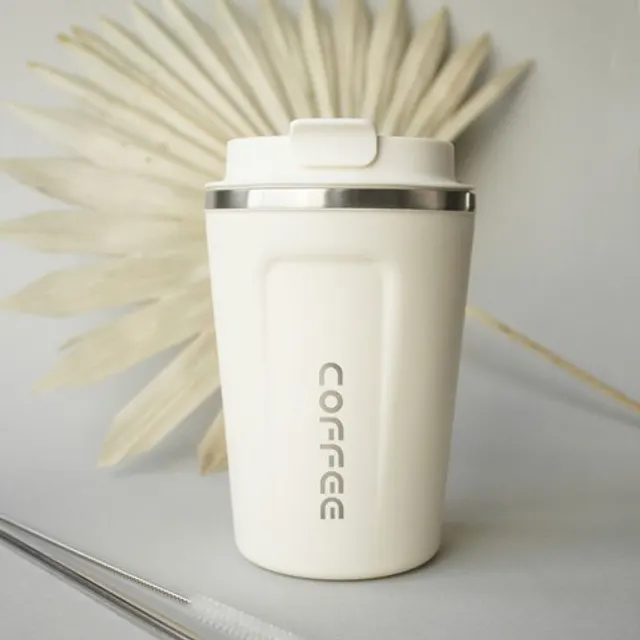 Stainless tumbler+184%
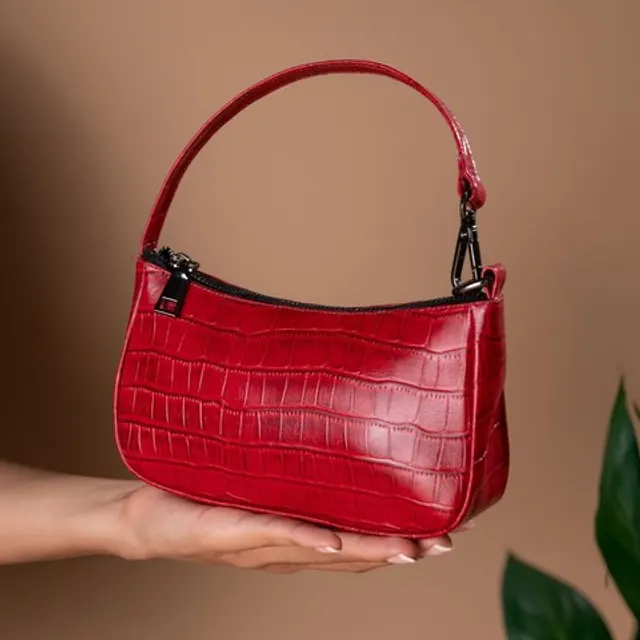 Mini shoulder bag+96%
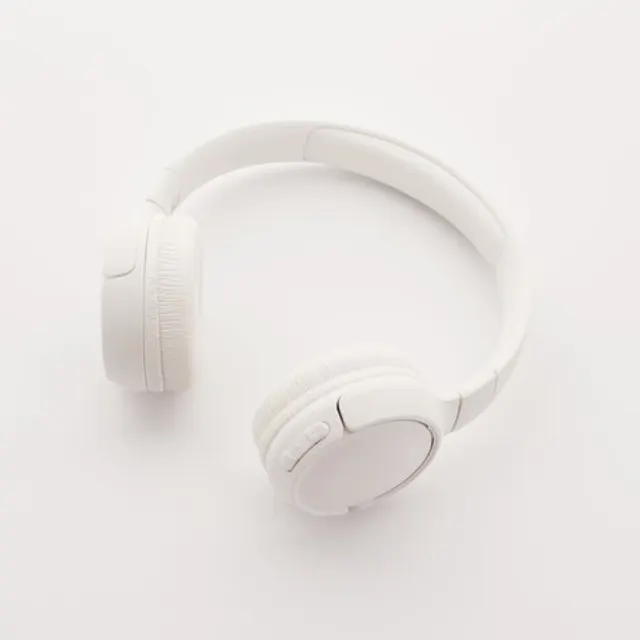 Over-ear headphones+72%
The two quick filters
Top growing narrows the list to products that are growing now. It combines with your search, category and filters, so you can ask for top growing products in one category.
Rising, few creators looks for a particular kind of opportunity: products whose sales grew over the last 7 days while comparatively few creators promoted them over the last 28. It only keeps products that sell through videos and are open to affiliates. A line over the list states the rule in force in plain words, and you can adjust each value in Filters. Products whose numbers haven't been read yet stay out, and the line says how many.
A routine that works
- Start with a category you know. You'll judge products faster in a niche you already post about.
- Turn on a quick filter. Use Rising, few creators to look for room, or Top growing to see what's moving.
- Sort by what matters to you. Revenue shows size, growth shows momentum, and ad spend shows where sellers are putting money behind a product.
- Open five or six products. Look at the product page, then at the videos that sell it. What do they show? What do they skip?
- Track the ones you like. Track product, on paid plans, adds them to the Tracked strip over the list, which shows where each one stands after the daily update.
- Check each one in TikTok Shop before you commit (below).
- Make a video. Add the product, or press Make a video, and its listing photos come with it.
Check a find in TikTok Shop
Research tells you a product is moving. It doesn't tell you whether promoting it is good for your account. Before you make a video, open the product in TikTok Shop's Product Marketplace and check:
- Can you add it? Some categories need a Promotion Performance Score of 3.5 and a Creator Health Rating of 150, or a recent sales record. New affiliates in TikTok Shop's pilot program see a narrower set of products.
- Its Product Score. Half of your Promotion Performance Score comes from the Product Scores of what you promote, weighted by the orders your content drives. TikTok Shop's own advice is to promote fewer low-score products.
- The commission you'll lock. Your rate is protected from cuts for 30 days after you add the product.
- Samples. A free or refundable sample lets you check the product in your hands.
Learn from the videos without copying them
Research shows the videos that sell each product so you can learn what works: the angle, the first line, the format. Don't copy them. TurboUGC's Acceptable Use Policy rules out using the service to copy someone else's video or script, and TikTok's Community Guidelines make unoriginal or reused content ineligible for the For You feed. Take the lesson, then make your own video.
Use Research for your own decisions
Research is for your own business decisions inside TurboUGC. Our Acceptable Use Policy asks you not to export, copy or share it in bulk, publish it, or use creators' details from it to spam, track or profile them.
From find to video
Once a product passes your checks, add it from Research, or paste its TikTok Shop link in Workflow → Add a product. Its listing photos arrive with it. Run Hold & Show or Box Open at 480p for 155 credits to see how it looks, and check the take against the listing before you post. If the product is clothing, use Mirror Fit Check; if it's furniture, Furniture Feel.
Creator free for 3 days. $0 today, 310 credits.
Get startedSources
- TikTok Shop Academy, “Affiliate Creator Product Selection Policy” · read October 14, 2026
- TikTok Shop Academy, “Creator Eligibility Policy” · read October 14, 2026
- TikTok Shop Academy, “Guide to Promotion Performance Score” · read October 14, 2026
- TikTok Shop Academy, “How Standard Affiliate Commission Works” · read October 14, 2026
- TikTok Shop Academy, “Free Sample Campaign” · read October 14, 2026
- TikTok Shop Academy, “How to Find Products in Product Marketplace” · read October 14, 2026
- TikTok Community Guidelines, “Integrity and Authenticity” · read October 14, 2026